Desktop Apps
Tabby Mac App
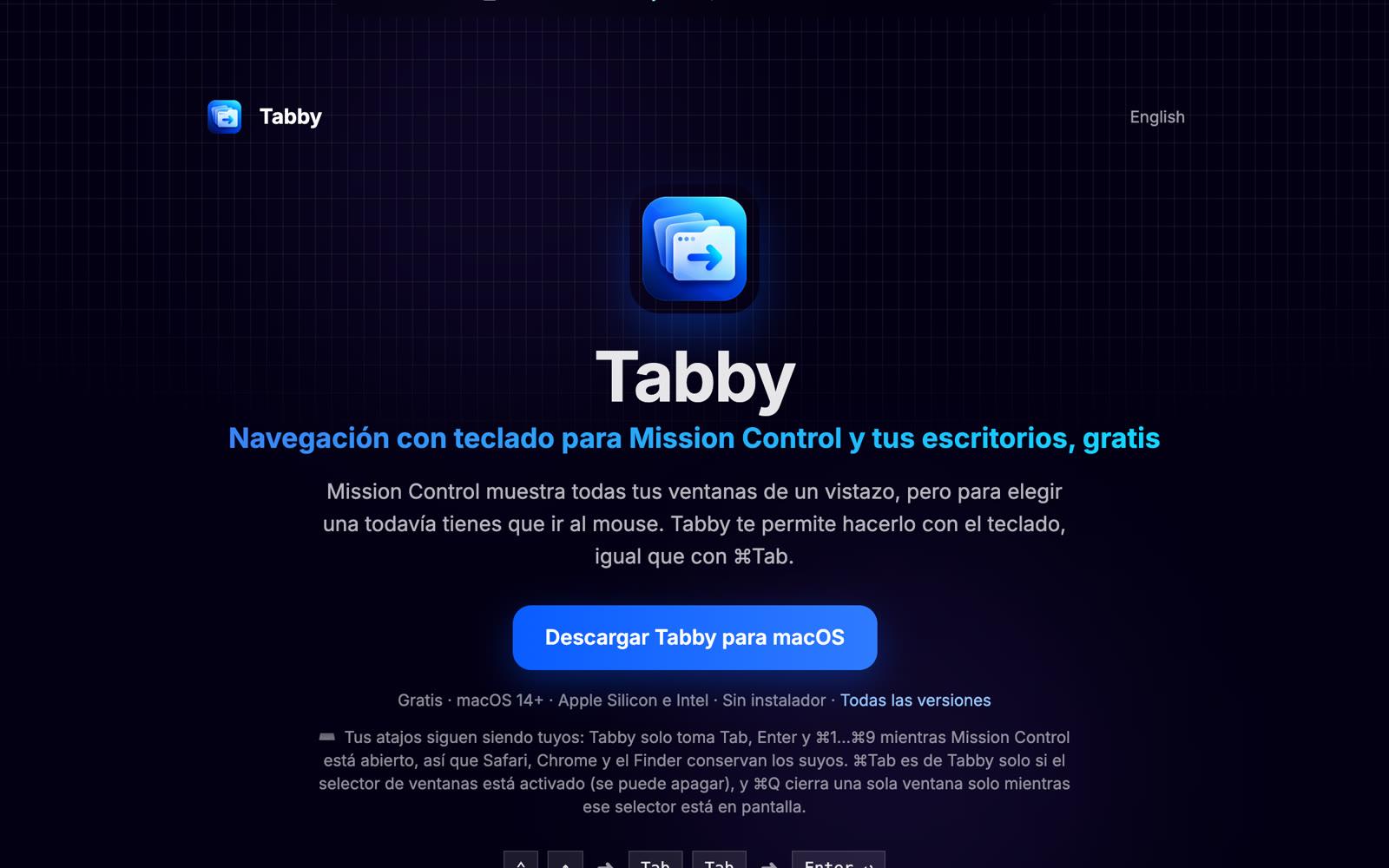
A free macOS menu bar app that lets you pick any window in Mission Control with the keyboard, send it to another desktop and go through your windows one by one with ⌘Tab.
- Client
- Own product
- Industry
- macOS productivity
- What we did
- Native macOS app & landing page
- Timeline
- 2026
The Challenge
Create a native Mac app that adds keyboard navigation to Mission Control, which shows every open window but still makes you pick one with the mouse or trackpad.
- Move through windows and open the chosen one without leaving the keyboard, however Mission Control is opened: shortcut, F3, gesture or hot corner.
- Send a window to another desktop from the keyboard, without dragging it by hand.
- Respect existing shortcuts: take over the keyboard only while Mission Control or the window switcher is open.
- Protect privacy: no accounts, no analytics, and nothing typed is ever stored or sent.
The Solution
We built a native menu bar app that works on top of Mission Control, with a guided welcome tour, configurable shortcuts and signed releases published automatically.
- Navigation with Tab, ⇧Tab and Return, starting from the most recent window, with a highlight on the selected thumbnail.
- ⌘1 to ⌘9 shortcuts to send the selected window to that desktop, creating it if it doesn’t exist yet.
- A window-by-window ⌘Tab switcher with minimized windows, hidden apps and other desktops, and ⌘Q closing only the selected window.
- Welcome tour with step-by-step permissions, a Move to Applications option, new-version alerts and a diagnostics report with no personal data.
- Landing page in English and Spanish with the download, first-run steps, privacy and support.
What It Includes
- 01
Keyboard-first Mission Control
Tab and ⇧Tab move through windows, Return opens the chosen one and Esc closes Mission Control as usual.
- 02
The exact window
It focuses the window you picked, even when several windows of the same app are open.
- 03
Send to a desktop
The selected window moves to another desktop with ⌘ and a number, and Mission Control stays open so you can keep sorting.
- 04
⌘Tab, window by window
A switcher that lists windows instead of apps, including minimized ones and those on other desktops.
- 05
Custom shortcuts
Settings with a shortcut recorder, launch at login and an optional effect that lifts the selected window.
- 06
Private & free
No accounts or analytics: the only thing it checks online is whether a new version is out, and that can be turned off.